How to Spot a Fake Email From Your Bank
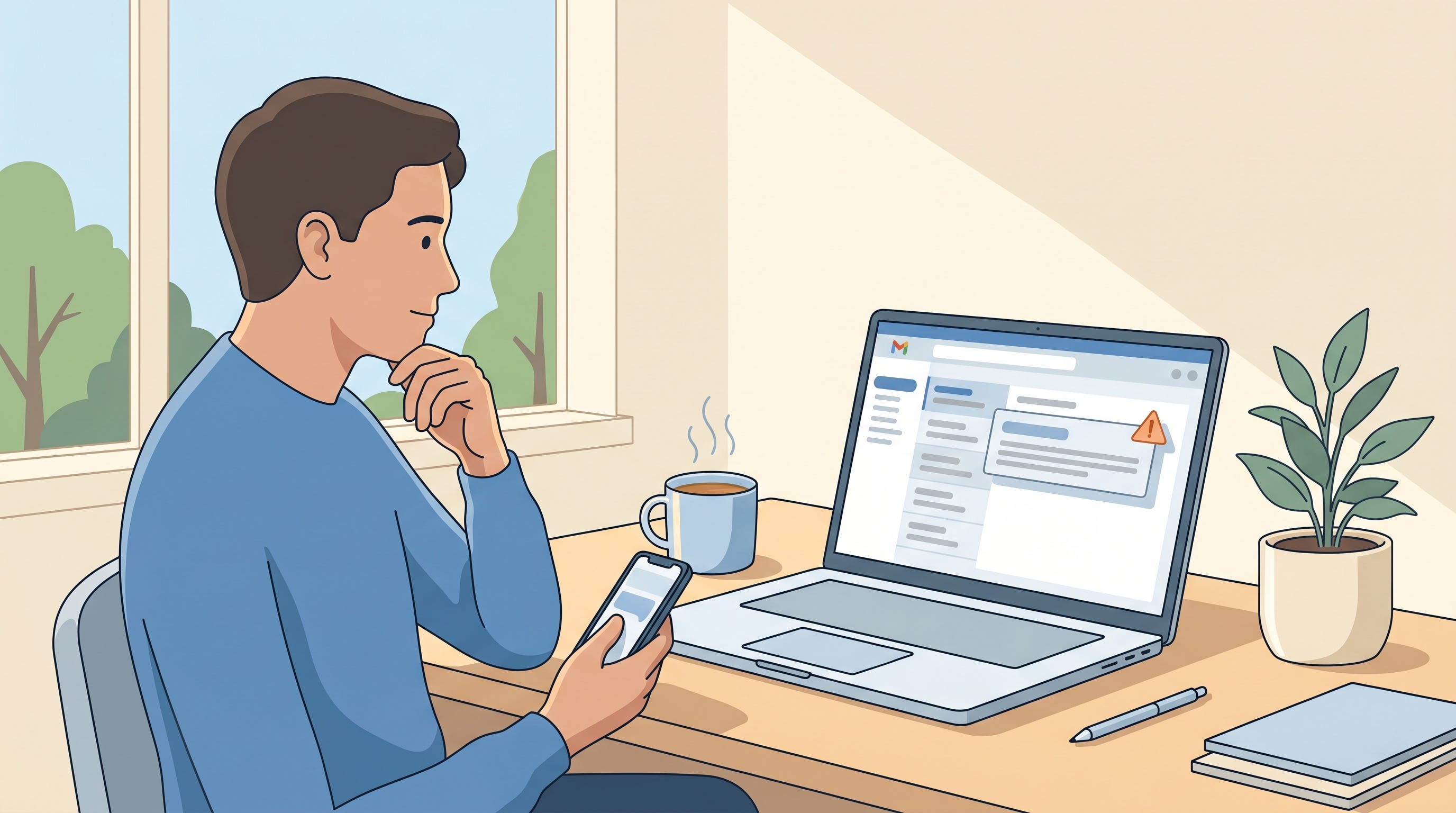
Fake emails from your bank are the most common phishing attempt you’ll get. They look real. They use your bank’s logo. They sound urgent and helpful at the same time. Most people click without thinking. Here’s the short test that works on every single one of them.
Anyone who banks online in Canada or anywhere else
Older adults who respond to emails quickly and trust official-looking messages
People who recently had a genuine fraud alert, because they’re now primed to expect more bank emails
Small business owners who watch their business account closely and might react to any notification
Anyone whose email has ever been in a data breach, which at this point is almost everyone
If you have a bank account and an email address, this is aimed at you.
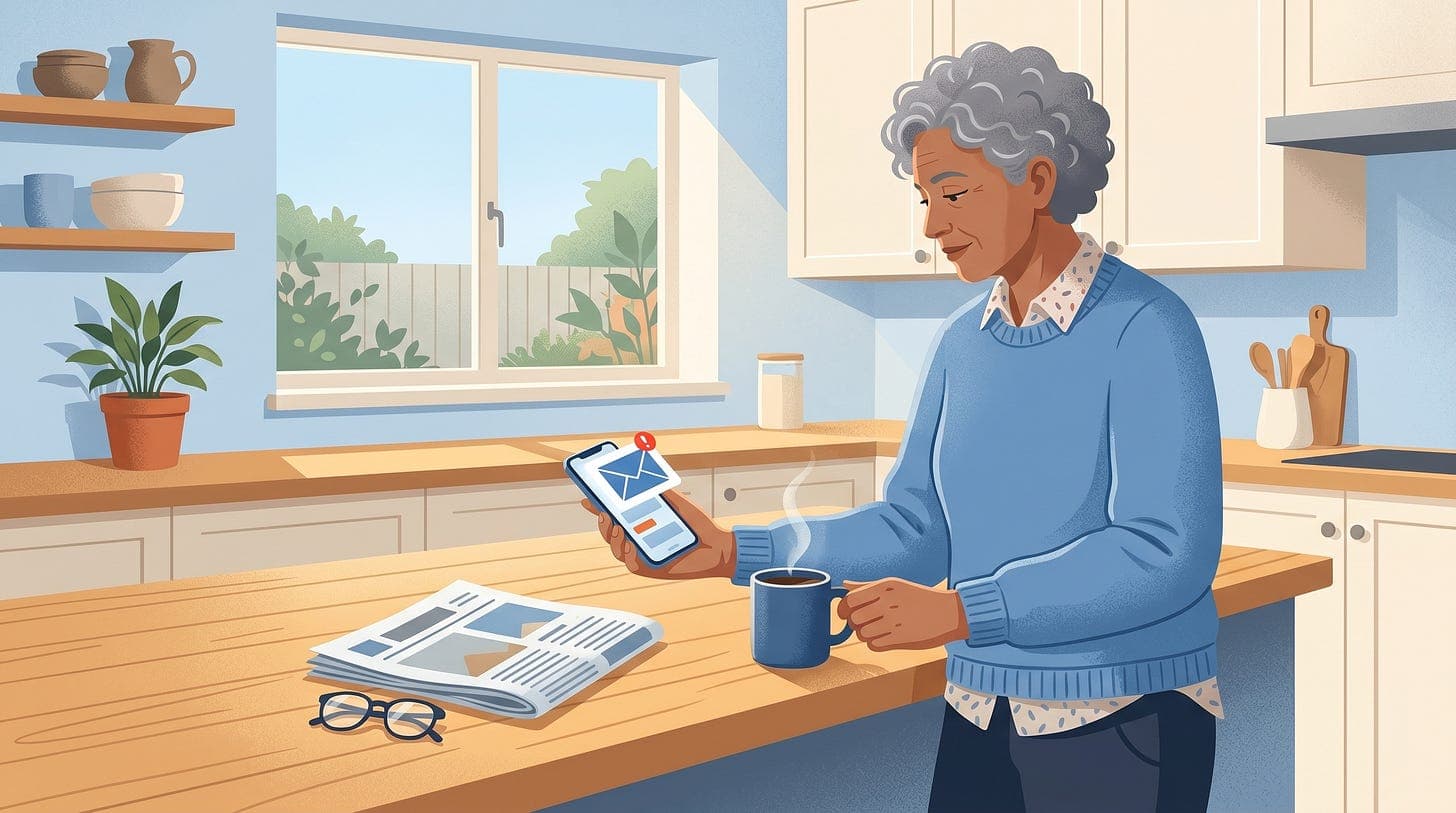
The email arrives. Subject line: “Unusual sign-in detected” or “Your account has been temporarily limited” or “Action required: verify your recent transaction”.
It looks like your bank. The logo, the colours, the wording. Sometimes it even correctly shows the last four digits of your card, which the attacker got from a data breach.
The button. A big coloured button says “Review Activity” or “Verify My Account”. You click it without looking at where the link actually goes.
The fake login page. You land on a page that looks exactly like your bank’s login. The URL in the browser bar is subtly different.
rbcsecure.com,td-online-verify.com,scotia-alerts.com. Your bank’s real URL is probably justrbc.comortd.com.The theft. You type your card number, your online banking password, and the one-time code your bank just texted you. The attacker’s system uses those in real time to log in as you. Money moves out of your account within minutes.
Some versions also install malware on your phone if you click the link on mobile. Others follow up with a phone call that pretends to be the bank’s “anti-fraud department” confirming the same transaction they’re about to make.
A sender address that doesn’t end in your bank’s real domain. RBC emails end in
@rbc.com, not@rbc-alerts.com.An impersonal greeting like “Dear Customer” or “Dear Valued Client”. Your bank knows your name.
A link that, when you hover your mouse over it without clicking, does not go to your bank’s real domain
Urgency: “Action required within 24 hours” or “Your account will be suspended”
Spelling or grammar mistakes, especially in the first paragraph
Any request to “verify” your full card number, PIN, or online banking password. Your bank already has those and would never ask you to type them into an email link.
Any push to install a “secure app” to fix the problem
An email that arrived to an email address you don’t use with that bank
Never click links in bank emails. Even if the email is real. Open a new browser tab and type your bank’s address yourself (like
rbc.comortd.com). Log in there. If there’s really a problem, you’ll see it on the dashboard.Use the official bank app. On your phone, the bank’s real app is the safest place to check your accounts. Download it from the App Store or Google Play, not from a link.
Hover before you click. On a computer, hover your mouse over the “Verify” button without clicking. The real URL appears at the bottom of your screen. On a phone, long-press and pick “Copy Link” to see where it actually goes.
Turn on two-step verification through your banking app, not SMS. Text codes can be stolen through SIM swap attacks and redirected in real time. App-based confirmation is much safer. Most major Canadian banks support it. Our free course Simple Strategies to Be Secure Online walks through setup.
Use a password manager. If you use the Apple Passwords app or 1Password, it will refuse to fill your password on a fake site. That refusal is your warning sign.
If you already clicked and entered anything. Call your bank immediately using the number on the back of your card. Change your online banking password from a different device. Watch your account for the next few days. Check haveibeenpwned.comfor your email.
Report the email. Forward it to your bank’s phishing address (most Canadian banks use
phishing@[bankname].com, like[email protected]). Then report to the Canadian Anti-Fraud Centre at 1-888-495-8501. In the US, the FBI’s IC3.
The rule that defeats every one of these emails: type your bank’s address yourself instead of clicking. It takes an extra ten seconds. It eliminates the entire scam.
If you’re not sure whether a specific email is real, paste the sender address and the visible link into Dave and he’ll walk through the red flags with you before you do anything.
Related: our Fake Bank Fraud Calls post covers the phone-call version of this same scam. Attackers often use both together.
Never miss an alert
New posts like this one, free every week. No spam, unsubscribe any time.