The Crypto Exchange Email That Empties Your Wallet

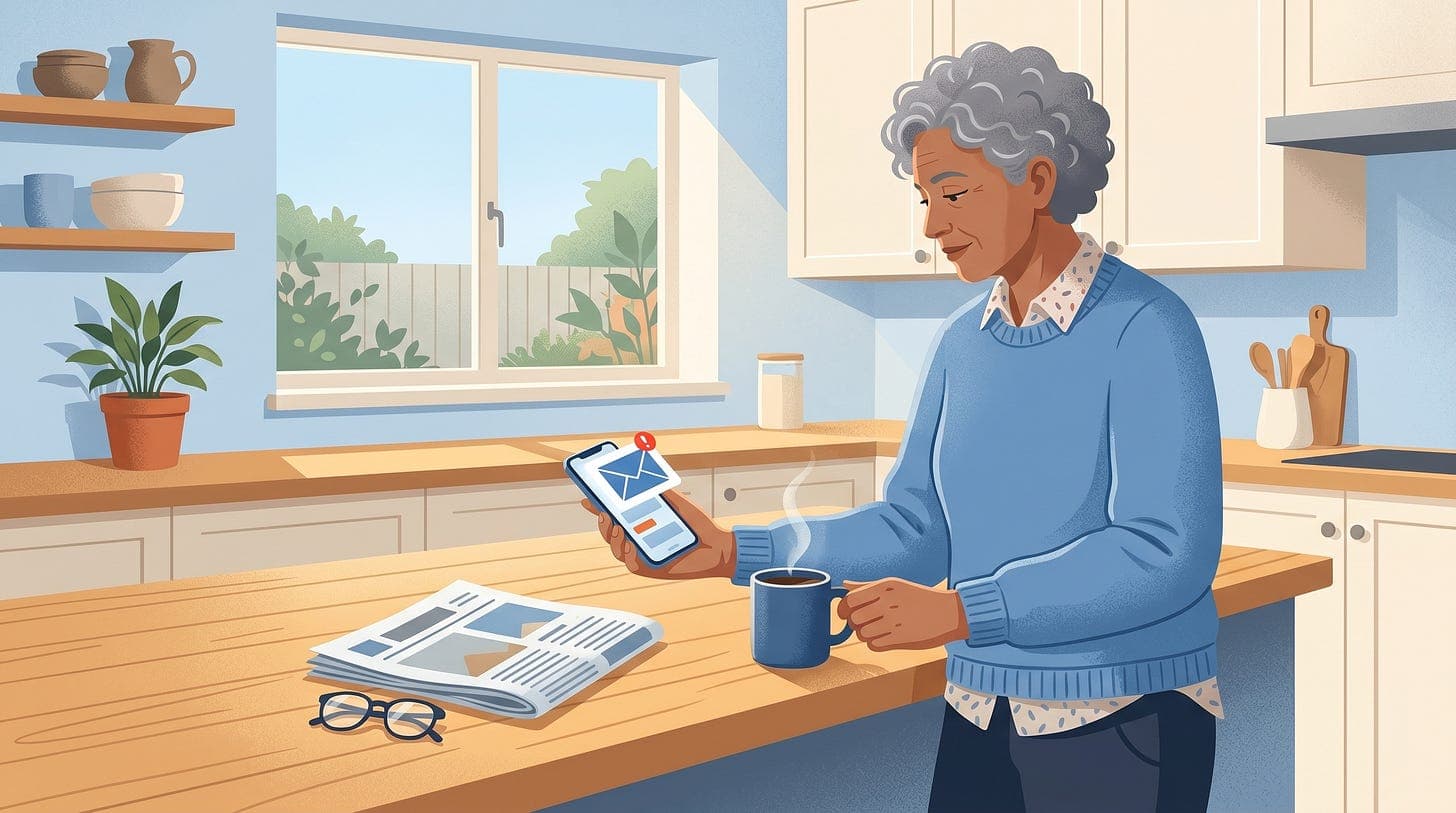
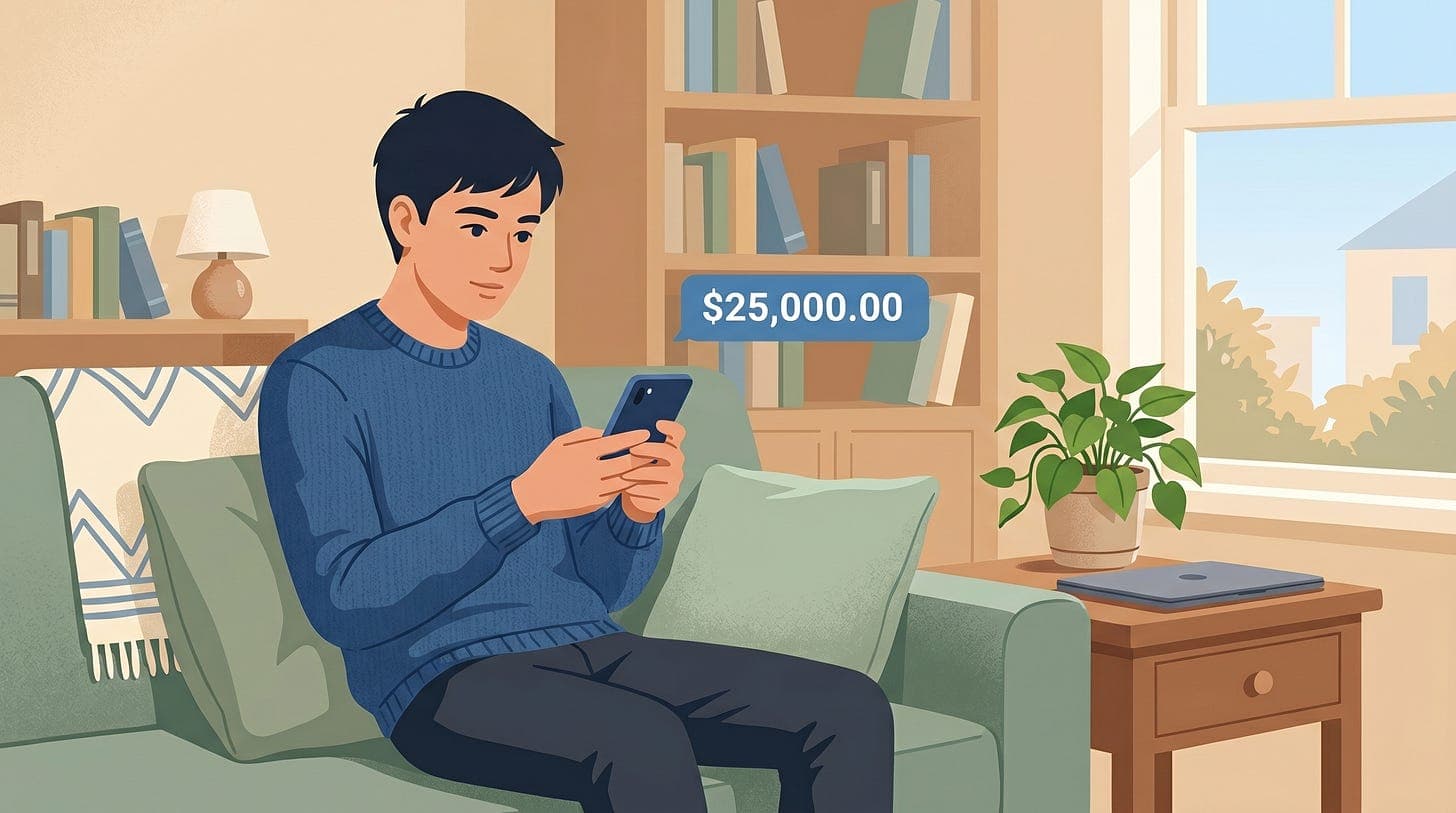
Phishing emails that look like they come from crypto exchanges are getting more common. The email claims there’s unusual activity on your account and pushes you to sign in immediately. If you click the link and sign in, the criminals empty your wallet in minutes. Unlike a fraudulent bank charge, cryptocurrency cannot be reversed. Once it’s gone, it’s gone.
Anyone with a crypto exchange account: Coinbase, Kraken, Wealthsimple Crypto, Binance, Gemini, or similar
Long-term holders who may not log in often and could be spooked by a “security alert”
Newer crypto users who haven’t seen this scam before
Older adults whose adult kids set them up on an exchange and then left them to manage it alone
If you have any crypto, even a small amount you bought to try it out, assume you’re a target.
The email. It looks like it’s from your exchange. Real logo, real-looking wording. Common openers: “We detected an unauthorized login from a new location”, “Your withdrawal of 0.5 BTC is pending. Click to confirm or cancel.”
The urgency. A clock is ticking. Usually you have an hour, or less, to “secure your account” before the fake withdrawal happens.
The fake sign-in. The link in the email goes to a page that looks exactly like your exchange’s login screen. The URL is subtly off.
coinbase.combecomescoinbase-security.com.kraken.combecomeskraken-verify.com.The theft. You enter your username, password, and two-step code. The criminal’s system uses those live, in real time, to log into the real exchange as you. Then they withdraw your crypto to a wallet you can’t trace.
The really nasty version uses AI to send you a follow-up “password reset” email that also looks real, so if you catch on and try to fix things, you’re still walking into their second trap.
Urgent emails claiming you must sign in right now to stop a withdrawal or secure your account
A link that looks like your exchange but has extra words, numbers, or hyphens in the domain
Two-step verification prompts you didn’t trigger
An exchange “support” email address that’s slightly off, like
[email protected]instead of@coinbase.comA push to install a “security app” or a browser extension
Any email asking you to “confirm your seed phrase” or “back up your wallet key”. Real exchanges never ask for your recovery phrase. Ever.
Never sign in to a crypto exchange from an email link. Open a new browser tab and type the exchange’s address yourself, or use the app on your phone. If there’s really a problem, you’ll see it there.
Turn on two-step verification using an authenticator app, not SMS. Text-message codes can be intercepted through a SIM swap attack, which is especially common in crypto scams. On iPhone, the Apple Passwords app has this built in. Other options are 1Password, Authy, Google Authenticator.
Set a withdrawal whitelist. Coinbase, Kraken, and most major exchanges let you lock withdrawals to specific wallet addresses you pre-approve. Once enabled, a criminal can’t just withdraw to their own wallet even if they have your password.
Never share your recovery phrase or seed words. Not with support staff. Not on a form. Not in a chat. If anyone asks, they are a scammer. Full stop.
Check haveibeenpwned.com for your exchange email. If it’s been in a breach, that’s how the criminal is pointing this attack at you specifically. Change the password on the exchange and anywhere you reused it.
If you already clicked and entered your login. Open your exchange app immediately, change your password, turn on withdrawal whitelisting, and contact the exchange’s real support. Most exchanges can lock withdrawals for 24 hours if you call fast enough.
Report the scam. In Canada, call the Canadian Anti-Fraud Centre at 1-888-495-8501. In the US, report to the FBI’s IC3. Forward the email to your exchange’s reporting address (for example,
[email protected]).
The hard part with crypto is that if the theft goes through, the money is genuinely gone. No chargeback, no bank insurance, no reversal. So the habits have to be tighter than they are with a regular bank. Never click links in exchange emails, always open the app or site directly, keep your recovery phrase offline and private, and turn on withdrawal whitelisting if your exchange supports it.
If you’re nervous about whether a specific email is real, paste the sender address and the visible link into Dave and he’ll walk through the red flags with you before you click anything.
Related reading: our How Not to Get Phished course covers the 4-step check that defeats most of these attacks. Our post on Fake PayPal Bitcoin Charges covers a related crypto-themed email scam.
Never miss an alert
New posts like this one, free every week. No spam, unsubscribe any time.